Minecraft Pocket Edition Server List
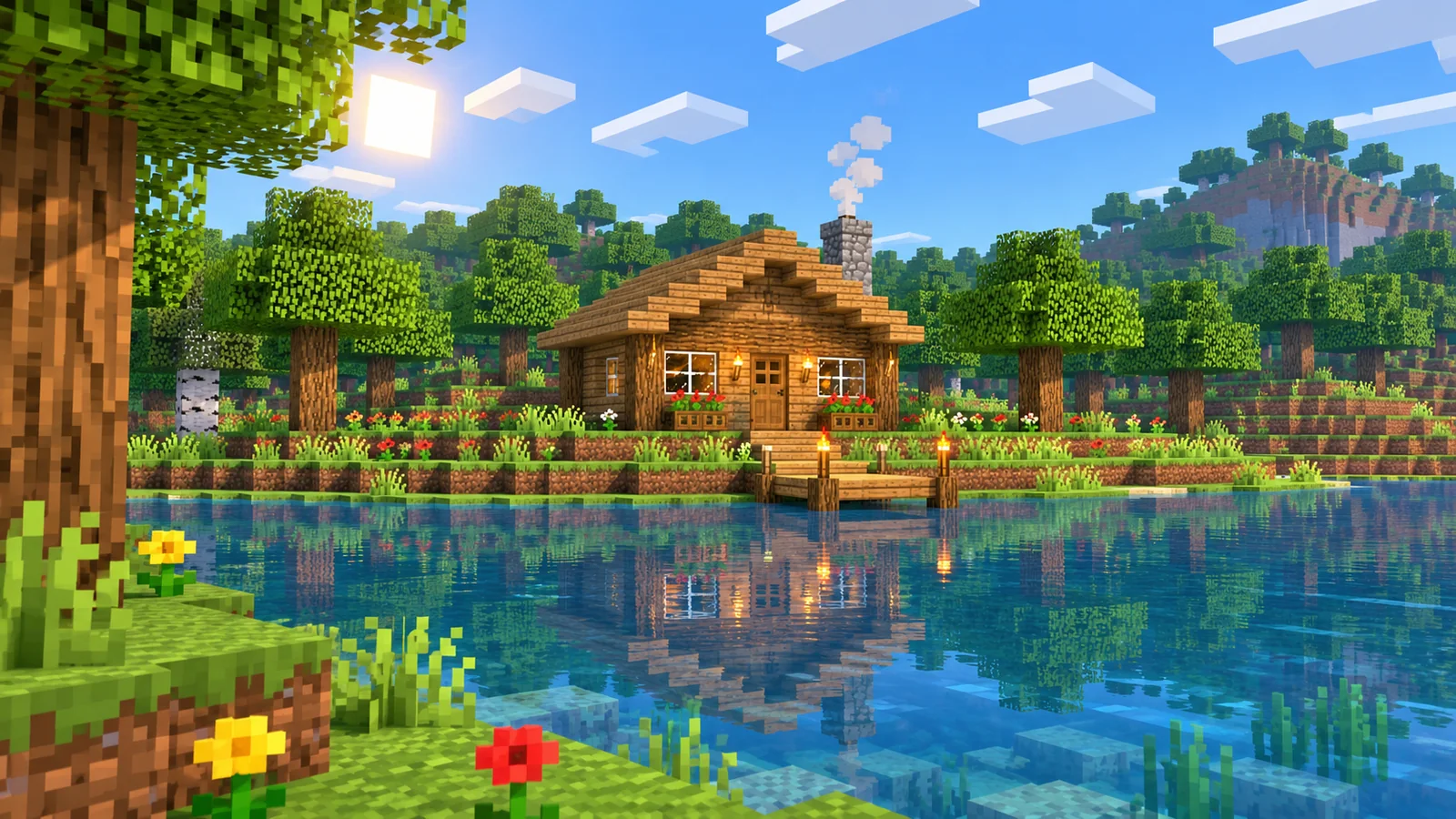
In September 2013, Minecraft-MP and Listforge launched a dedicated Minecraft Pocket Edition server list. The directory is still online and now lists Minecraft Bedrock Edition servers for players on phones, tablets and other compatible devices.
From Pocket Edition to Bedrock
Pocket Edition was the original name for Minecraft on mobile. The 2017 Better Together update brought the mobile version into the shared Bedrock edition alongside Windows 10 and Xbox One. If you play Minecraft on Android or iPhone today, look for servers that support Bedrock and match the version installed on your device.
How to join a server on mobile
- Choose a server from the directory and note its address and port. Check the listing for the supported version and any instructions from the server owner.
- In Minecraft, open Play, select the Servers tab, and choose Add Server.
- Enter a name for the server, then enter the address and port from the listing. Save the entry or connect directly.
If you're choosing between servers, decide what you want to play first. Survival and SMP listings are a good starting point for a shared world, while Skyblock listings are suited to players who want to start from a small island.
Sources
Minecraft's guide to joining a server · Mojang's Better Together FAQ